


Why google gemini wordpress integration matters for bloggers
Connecting large multimodal assistants like Google Gemini conceptually to a WordPress blog can speed drafting, idea generation, image suggestions and simple metadata tasks. For merchant-bloggers who publish product stories, buyer guides or seasonal roundups, this integration helps surface headline variations, structured outlines and caption variants you can review and adapt rather than publish verbatim.
Keep in mind that a generic connection alone doesn’t ensure faithful visuals, clear layouts, useful internal links or accurate product facts. You still need a workflow that reviews suggested copy against verified product details, checks image fidelity in your theme, and preserves editorial voice.
- Use Gemini for idea generation and A/B headline sets.
- Treat outputs as draft material to be verified and localized.
- Prioritize workflow steps for product accuracy and layout previews.
Setting up a safe review workflow on WordPress
Design a two-stage publishing routine: first, generate drafts and assets in a private area; second, review and refine before scheduling. Bloggers should create a private editor draft or a sandbox site where Gemini-generated text and images land for review. This reduces accidental publishes and gives space to check links, measurements and product details against source data.
Use content checklists that include fact checks, tone adjustments, DOIs for quoted statistics, image quality and alt text. For stores, add SKU verification and cross-check that product links map to the intended product pages. Simple checklist items saved as reusable blocks in WordPress speed consistent review across posts.
- Create a private draft workflow for all generated posts.
- Use checklists for product facts, links and alt text.
- Verify SKU and pricing calls to avoid incorrect product claims.
Practical content workflows: from prompt to publish
Start with a focused brief: target audience, desired word count, key products/collections, and required links. Feed that into Gemini to produce an outline and 2–3 annotated sections. For a merchant-blogger writing a holiday gift guide, include product names, short features, and any required affiliate disclosure in the brief so outputs are easier to adapt.
After generation, copy sections into WordPress using the block editor and immediately preview in your theme to check visual flow—images, pull quotes and product cards. If images are suggested, download versions at multiple sizes and test how they crop in your theme’s featured area and social previews before applying.
- Provide targeted briefs including audience, products and disclosures.
- Preview generated sections in your theme before publishing.
- Test suggested images at multiple sizes for consistent cropping.
Handling images, captions and visual fidelity
Multimodal assistants often propose visual concepts; convert those into vetted assets. For product visuals, request original photography or licensed assets rather than relying solely on generated imagery. When using generated drafts for captions, ensure captions match the actual visual and link to the right product or collection.
Use WordPress features like image alt text, captions, and caption linking to improve accessibility and internal linking value. Keep a short list of image sizes and crop targets for your theme so any new visuals can be created or resized to match your storefront and social metadata previews without surprises.
- Prefer original or licensed product photos; use generated imagery only as concepts.
- Match captions to the final visual and link to relevant products.
- Maintain theme-specific image size and crop guidelines.
Read the connected-content guide or explore product and blog specimens.
SEO, metadata and content consistency checks
When using Gemini outputs, run them through your existing SEO checklist: unique title tags, meta descriptions tailored to search intent, proper header structure and internal linking to product or category pages. Automated suggestions can speed drafts, but human review ensures the right keyword intent and avoids duplicate-sounding metadata across product and blog pages.
Preserve content consistency by maintaining brand voice and terminology. Create a short style guide for product names, measurements, guarantees and phrasing that every editor follows when editing AI-generated drafts. This reduces the need for repeated corrections and improves reader trust across posts and product pages.
- Check unique titles, meta descriptions and header hierarchy.
- Add internal links to product pages and collections thoughtfully.
- Keep a short brand style guide for consistent edits.
Common risks, review policies and merchant best practices
Expect inaccuracies: generative assistants can invent details, misstate specs or suggest links that don’t map to your catalog. Set an explicit policy that any factual claim about a product—materials, dimensions, warranties—must be verified against the product record before publishing. For affiliate or sponsored content, require manual confirmation of disclosure language and affiliate links.
Also plan for discoverability and user experience. Avoid publishing multiple blog pages with marginal differences in order to chase search phrases; instead consolidate into clearly labeled guides or collections that link to the exact product pages. This improves usability and reduces maintenance overhead for merchant blogs.
- Require manual verification of all product facts and specs.
- Mandate disclosure checks for affiliate or sponsored posts.
- Consolidate similar content into guides linked to product pages.
Will a direct google gemini wordpress integration write perfect product pages?
No. A direct integration can speed drafting and ideation but will not guarantee accurate product facts, faithful visuals or ideal layout on your theme. Use generated content as a starting draft and follow a verification and preview workflow before publishing.
How should I handle image suggestions from Gemini for product posts?
Treat them as concepts. Wherever possible use original or licensed photography for product images. If you adapt generated visuals, test them in your theme for cropping, alt text and accurate captions, and always link captions to the correct product.
Can Gemini help with SEO on WordPress?
Yes for drafting meta descriptions, title options and structured outlines, but always review for intent, uniqueness and proper internal linking. Rely on human editors to ensure keyword targeting and to avoid duplicate or generic metadata across your store and blog.
Install OCTOshopX. Give your store one clear job.
This 2026 update frames google gemini wordpress integration as a productivity tool that requires structured review and theme-aware previews to be effective. Build short checklists, sandbox drafts, image size rules and brand style notes so generated content becomes publish-ready with minimal risk. Install OCTOshopX.
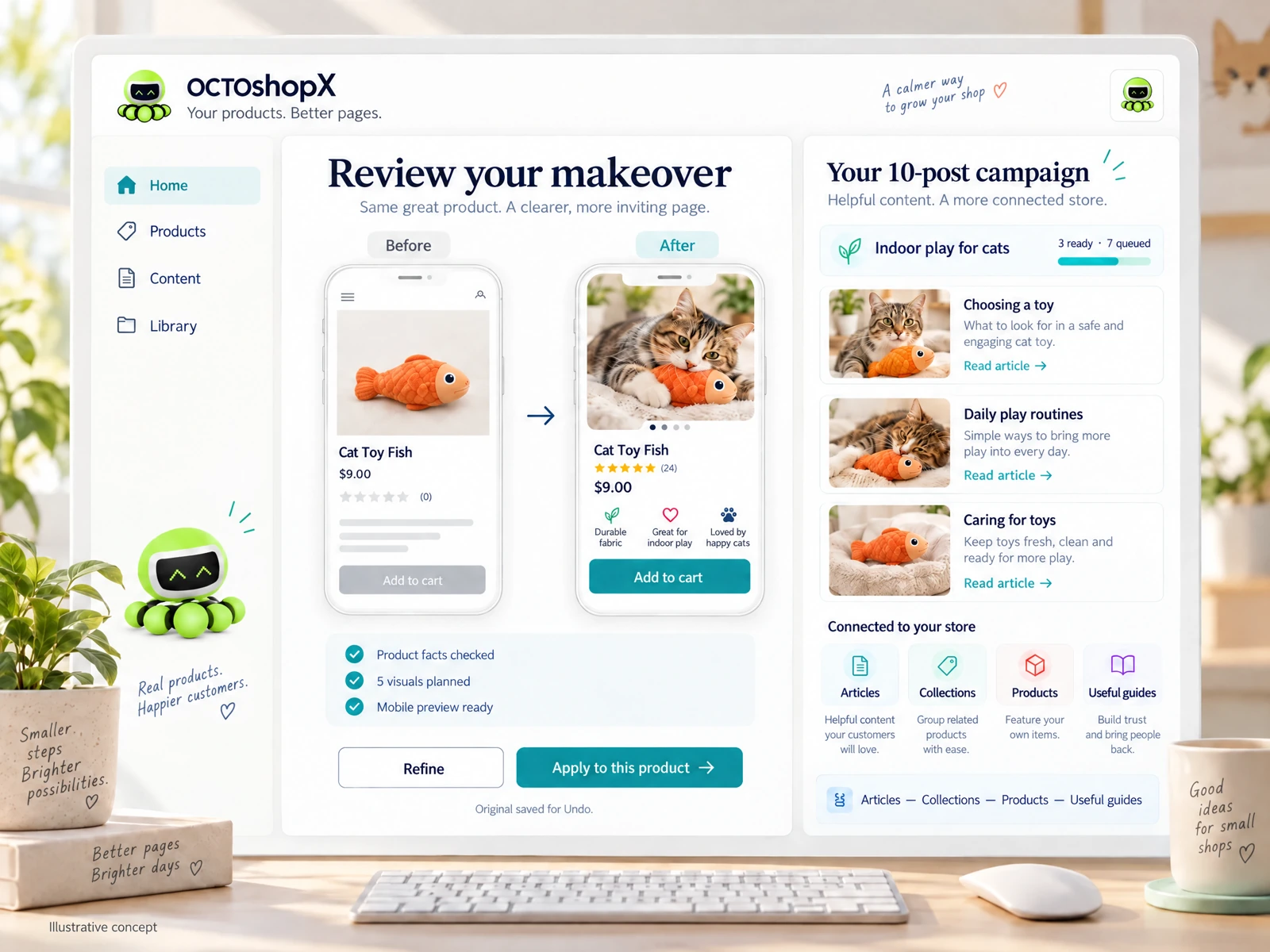
A calm Shopify Product & Blog Studio: 5–10 useful visuals, connected articles and products, preview before publishing, and 1-Click Undo when needed.